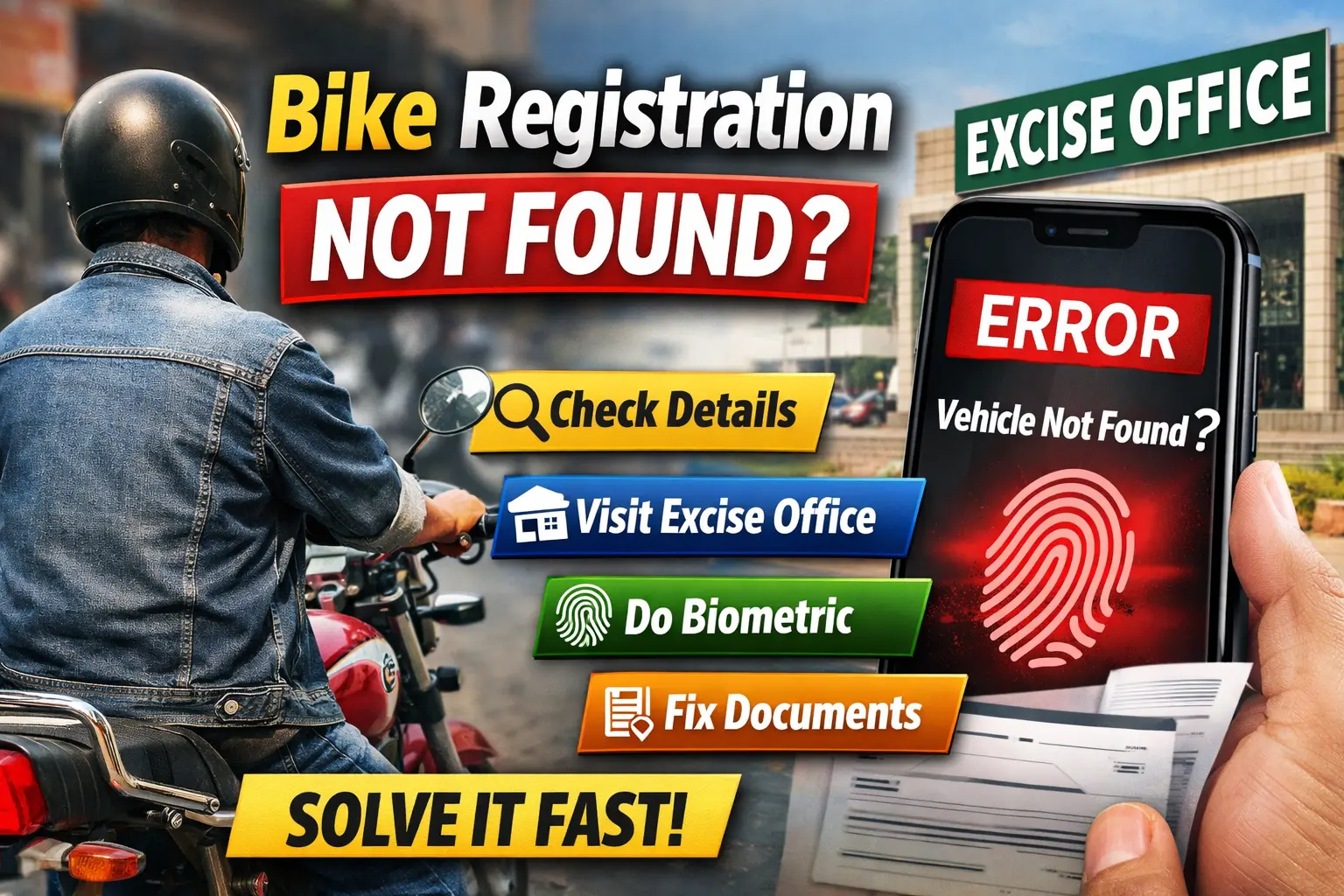
Bike Registration Not Found? Reasons and Easy Fix 2026
Many bike owners in Pakistan face a frustrating issue when checking their vehicle details online: the system shows “Vehicle Not Found.” This can create problems when you want to sell your bike, transfer ownership, or simply confirm your registration status.
The good part is that this issue is usually not serious. In most cases, it happens due to simple errors or incomplete records, and it can be fixed بسهولة if you follow the right steps.
This guide explains the main reasons behind this problem and gives clear, practical solutions that anyone can follow.
Why Bike Registration Shows “Vehicle Not Found”
There is no single cause for this issue. Different factors can lead to this error, and understanding them helps you fix the problem faster.
1. Data Not Updated in System
One of the most common reasons is missing data in the Excise system.
- Older registrations were often recorded manually
- Some records were never digitized
- Rural areas may still have incomplete data
In this case, your bike is registered, but the system simply cannot find it online.
2. Wrong Number Plate Entry
A small typing mistake can lead to this error.
Common mistakes include:
- Missing dash like LEA123 instead of LEA-123
- Wrong province code
- Incorrect letters or numbers
Even a minor error can cause the system to fail.
3. Biometric Verification Not Completed
Biometric verification has become an important requirement.
This issue usually happens after:
- Ownership transfer
- New registration
- Smart card application
If biometric verification is pending, your vehicle record may remain inactive online.
4. Defaced or Damaged Documents
If your documents are unclear or damaged, the system may reject them.
Signs include:
- Faded stamps
- Blurred ink
- Torn or damaged paper
This can lead to mismatched or missing data in official records.
5. Unregistered or Fake Vehicle
In some cases, the problem is more serious.
- The bike may never have been registered
- Fake or duplicate documents may have been used
This situation requires immediate attention.
How to Fix “Vehicle Not Found” Issue
Now let’s go through simple methods to solve the problem step by step.
Method 1: Verify Details Again
Start with the basics.
- Enter the correct number plate format
- Use the official Excise website
- Double-check spelling and numbers
If the issue remains, move to the next step.
Method 2: Visit Excise Office
This is the most reliable solution.
What you need to do:
- Visit your nearest Excise and Taxation office
- Take original documents:
- Registration book or smart card
- CNIC
Ask the staff to:
- Check your record manually
- Update missing data
Result:
- Your record gets updated
- Online verification starts working
Motorcycle Biometric Verification
Biometric verification is now required in many situations.
When It Is Needed
- Ownership transfer
- Record correction
- Smart card application
How It Works
- Your thumb impression is verified
- Data is matched with NADRA records
- Ownership is confirmed
Steps
- Visit Excise office
- Provide your CNIC
- Give fingerprint
- Wait for confirmation
Once completed, your bike record becomes active online.
NADRA Vehicle Biometric Verification Online
Currently, full biometric verification is mostly done physically, but some features are available online.
What You Can Do Online
- Check vehicle status
- Track biometric progress
- Verify CNIC-linked records
Important Tip
If the system shows “pending,” you must visit the office to complete the process.
Defaced Stamp on Bike Documents: What to Do
This issue is often ignored but can cause serious problems.
Signs of Defaced Documents
- Stamp is faded
- Ink is spread
- Paper is damaged
Solution
- Visit Excise office
- Apply for verification
- Request correction or re-entry
In some cases, you may need duplicate documents.
Vehicle Color Change Issue
If your bike color has been changed but not updated in records, it can create a mismatch.
Example
- Registered color: Black
- Actual color: Red
This difference can cause verification failure.
How to Fix
- Visit Excise office
- Submit color change request
- Provide:
- CNIC
- Bike for inspection
- Pay a small fee
After approval, your record will be updated.
Apply for Bike Smart Card
Old registration books are gradually being replaced with smart cards.
Benefits of Smart Card
- Digital and secure record
- Easy online verification
- Less chance of data errors
How to Apply
- Visit Excise office or official website
- Submit:
- CNIC
- Old registration book
- Complete biometric verification
- Pay required fee
Result
- Smart card is issued
- Your vehicle record becomes fully digital
Common Mistakes to Avoid
Many people delay fixing this issue بسبب simple mistakes.
- Not transferring ownership after purchase
- Ignoring biometric verification
- Using agents with false promises
- Not checking documents regularly
Avoiding these mistakes can save time and prevent legal trouble.
When You Should Take Immediate Action
Some situations require urgent attention.
- Vehicle never appears in system
- Documents look fake or altered
- Engine or chassis number does not match
In such cases:
- Visit Excise office immediately
- Do not use the bike until the issue is resolved
Quick Checklist to Fix the Issue
Follow this order to solve the problem efficiently:
- Check number plate format
- Verify details online again
- Visit Excise office
- Complete biometric verification
- Fix document issues
- Apply for smart card
This process resolves most cases.
Final Words
“Bike Registration Not Found” is a common issue in Pakistan, but it is usually not a major problem if handled correctly.
Most cases happen due to:
- Missing or outdated data
- Incomplete biometric verification
- Document errors
By following the steps in this guide, you can fix the issue quickly and ensure your bike is properly registered and verified.
Keeping your records updated not only helps in smooth transactions but also protects you from legal complications in the future.
Disclaimer
This article is for informational purposes only. Procedures and requirements may vary depending on your province and local Excise department policies. Always confirm details from official sources before taking action.