Pak-ID App Document Upload Guide 2026 – Complete Step-by-Step Process
The Pak-ID mobile application has transformed how Pakistanis handle identity-related services. Developed by NADRA, this digital platform allows users to manage their applications without physically visiting registration centers. One of its most useful features is the ability to upload required documents directly through the app.
This guide explains how to submit missing or corrected files using the Pak-ID app, ensuring your application continues smoothly without delays. Whether you are in Pakistan or living abroad, this feature makes the entire process more convenient and efficient.
Understanding the Pak-ID Document Upload Feature
The document upload option in the Pak-ID app is designed to help applicants complete pending requirements during their application process. Sometimes, documents may be rejected due to unclear images or incorrect details. In other cases, additional files may be requested.
Instead of visiting a NADRA office, users can simply upload the required documents through their mobile phones. This feature is especially helpful for individuals who prefer a quick and hassle-free solution.
When Do You Need to Upload Documents?
There are several situations where you may need to use this feature:
- When your submitted documents are rejected
- When additional verification files are requested
- When corrections are required in your application
- When you missed uploading a document initially
By addressing these issues promptly, you can avoid unnecessary delays in processing your CNIC or other identity-related requests.
Step-by-Step Guide to Upload Documents in Pak-ID App
Follow the instructions below carefully to ensure your documents are submitted correctly.
Step 1: Sign In to Your Account
Open the Pak-ID mobile application on your smartphone and log in using your registered email and password. Make sure your credentials are correct to avoid login errors.
Step 2: Open the Relevant Section
After logging in, go to the main dashboard. Look for the option labeled “Miscellaneous Services” and tap on it. From there, choose the document upload feature.
Step 3: Enter Application Details
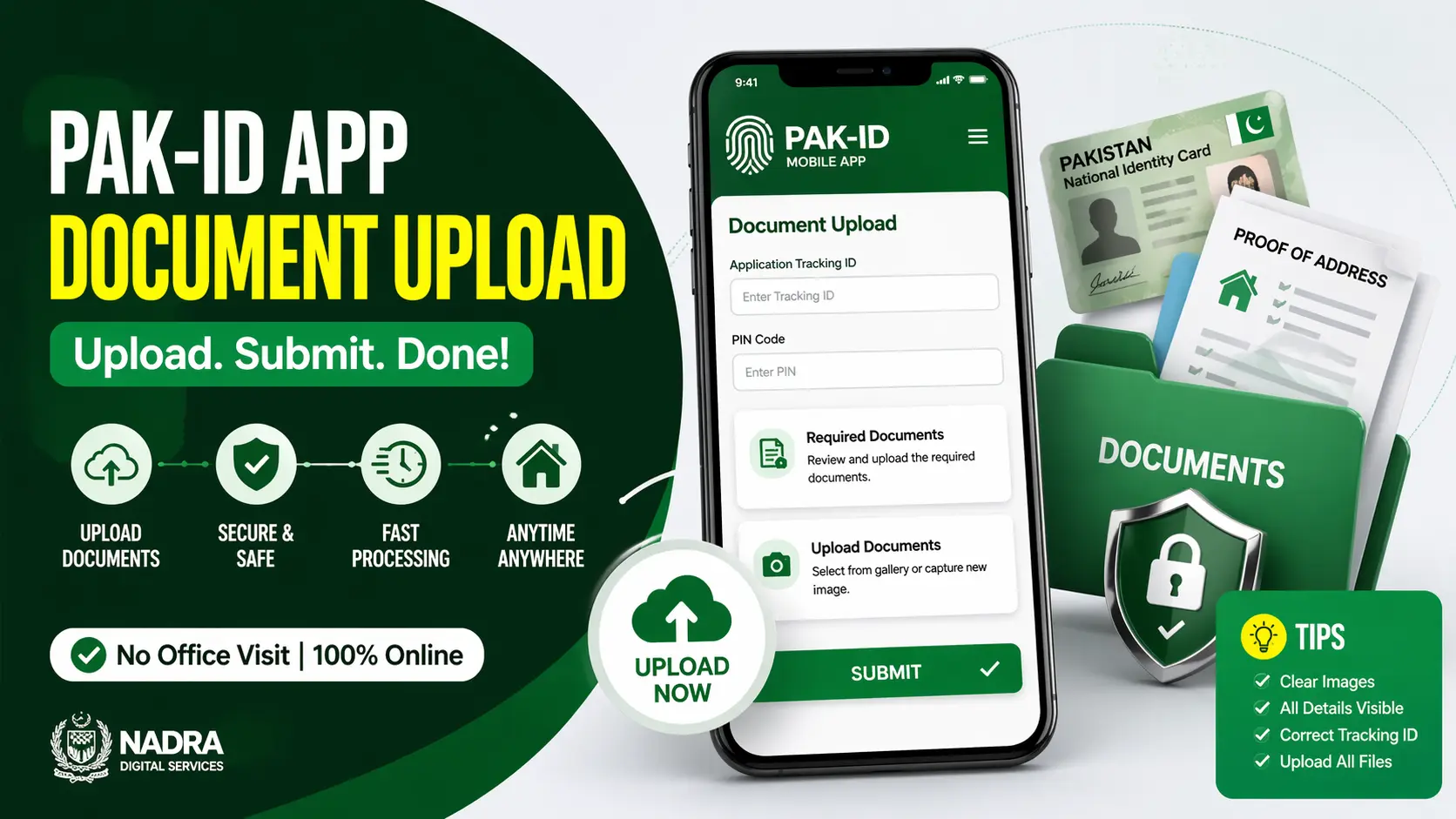
You will be asked to provide your Application Tracking ID and a PIN code. These details help the system identify your application and display the required information.
Step 4: Check Required Documents
Once your application is loaded, you will see a list of documents that need to be uploaded or corrected. Review this list carefully to ensure you don’t miss anything.
Step 5: Upload Files
You can submit documents using two simple methods:
Option 1: Select from Phone Storage
Choose files already saved on your device and upload them directly.
Option 2: Capture New Images
Use your mobile camera to take fresh pictures of your documents and upload them instantly.
Make sure all images are clear and readable.
Step 6: Final Submission
After uploading all required files, submit your application. A confirmation message will appear, indicating that your documents have been successfully sent for review.
Advantages of Using the Pak-ID App
This digital feature offers several benefits that make the process easier for users.
Quick Processing
Submitting documents online helps avoid delays caused by missing or incorrect files.
Convenience
You can complete the entire process from home without visiting any office.
Accessibility
This feature is available to both local residents and overseas Pakistanis, making it highly accessible.
Data Security
Since the system is operated by NADRA, your personal information is protected through secure channels.
Tips for a Smooth Upload Process
To ensure your application is processed without issues, follow these practical tips:
- Use clear and high-quality images
- Avoid blurry or cropped documents
- Ensure all details are visible
- Double-check your Tracking ID and PIN
- Upload all required documents before submitting
Taking these precautions can save time and prevent your application from being rejected again.
Common Errors to Avoid
Many users face delays due to simple mistakes. Here are some common issues to watch out for:
- Uploading incomplete documents
- Submitting unclear or low-quality images
- Entering incorrect application details
- Skipping required files
Avoiding these errors will increase your chances of quick approval.
Why This Feature Is Important
The document upload option in the Pak-ID app reflects NADRA’s shift toward digital services. By reducing the need for physical visits, it saves time and resources for both users and the organization.
This system is particularly helpful for people living in remote areas or abroad, where visiting a registration center can be difficult. It also speeds up the overall application process, making identity services more efficient.
Frequently Asked Questions
Can I upload documents for a new application?
Yes, but this feature is mainly used for pending or correction requests during an existing application.
What types of documents can be uploaded?
You can upload identification documents, proof of address, or any files requested by the system.
Is it safe to upload documents through the app?
Yes, the platform is secure and managed by NADRA.
What happens after I upload documents?
Your application is reviewed again, and if everything is correct, it moves forward for approval.
Can overseas Pakistanis use this feature?
Yes, the app is designed for both local and international users.
Conclusion
The Pak-ID app document upload feature has made identity-related processes much easier and more efficient. By allowing users to submit required files digitally, it eliminates the need for repeated visits to registration centers.
If you follow the correct steps and ensure your documents are clear and complete, your application can be processed quickly without any hassle. This modern approach reflects NADRA’s commitment to providing better and more accessible services for everyone.