
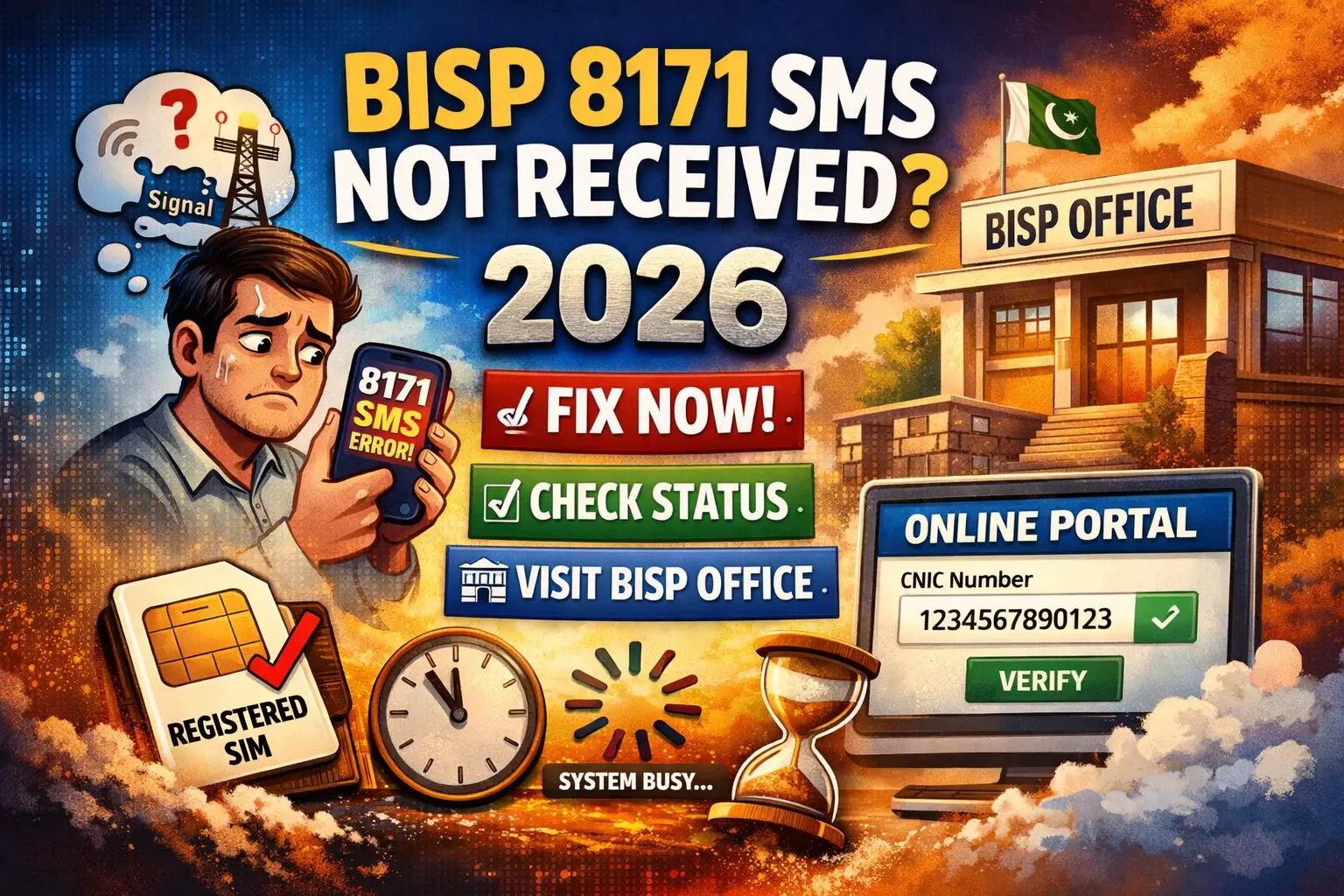
8171 SMS Not Working in 2026 – Complete Solution Guide
In 2026, many beneficiaries of the Benazir Income Support Programme (BISP) are facing a common issue—sending their CNIC to 8171 but getting no reply. This situation can be worrying, especially for those waiting to confirm their eligibility or payment details.
The good news is that this issue is usually caused by simple problems that can be fixed بسهولة. This guide will help you understand the reasons and provide practical solutions you can apply immediately.
Understanding the 8171 SMS System
The 8171 service is designed for people who want to check their BISP status without using the internet. It allows users to verify eligibility and payment details by sending their CNIC number through SMS.
How the system works:
- Open your mobile messaging app
- Enter your 13-digit CNIC number
- Send it to 8171
- Receive a reply with your status
While the process is straightforward, sometimes users do not receive any response.
Common Reasons Why 8171 SMS Is Not Received
There are several possible causes behind this issue. Below are the most frequent ones:
1. Wrong CNIC Entry
If your CNIC number is entered incorrectly, the system will not respond. Even small formatting mistakes can cause failure.
2. SIM Not Linked to Your CNIC
The system prefers or requires that the SIM used is registered under your own CNIC.
3. Weak or Unstable Network
Poor signals can delay or block SMS delivery.
4. Deactivated SIM Card
If your SIM is inactive or blocked, you won’t receive any response.
5. Heavy System Traffic
During busy periods, the system may slow down due to a large number of requests.
6. Operator-Specific Issues
Sometimes, certain mobile networks face temporary problems with short codes like 8171.
Step-by-Step Solutions to Fix the Issue
If you’re not receiving a reply, follow these simple steps:
✔ Enter CNIC Properly
Always type your CNIC without spaces or dashes.
Example: 1234567890123
✔ Use Your Own Registered SIM
Ensure your SIM card is issued against your CNIC.
✔ Maintain Minimum Balance
Even for SMS services, having zero balance can sometimes create issues.
✔ Restart Your Phone
This can resolve temporary network glitches.
✔ Try Another SIM Network
If possible, send the message using a different mobile network.
✔ Wait Before Trying Again
If the system is overloaded, wait for 24–48 hours before retrying.
✔ Avoid Sending Multiple Messages
Repeated attempts in a short time can slow down the system or block responses.
Alternative Ways to Check BISP Status
If the SMS service continues to fail, you can use other methods:
Online Portal
Visit the official BISP website and enter your CNIC to check your status.
Visit BISP Office
Go to your nearest center for in-person verification.
Helpline Assistance
Contact the official support number for guidance.
Special Case: New Applicants
If you have recently applied for BISP, delays are normal. This could be due to:
- Application still under review
- Verification process in progress
- Dynamic survey not completed
In such situations, it’s best to wait a few days before checking again.
What to Do If Nothing Works
If you still don’t receive any SMS, take the following actions:
- Visit the nearest BISP center
- Update your dynamic survey information
- Confirm your CNIC details
- Ensure your mobile number is correctly linked
These steps usually resolve deeper system-related issues.
Tips to Prevent This Problem in Future
To avoid facing this issue again:
- Always use an active SIM registered in your name
- Keep your CNIC information updated
- Avoid sending repeated SMS quickly
- Complete required surveys on time
Frequently Asked Questions
1. Why am I not receiving a reply from 8171?
It may be due to incorrect CNIC entry, SIM registration issues, or network problems.
2. How long does it take to get a response?
Usually within minutes, but delays of up to 48 hours can occur.
3. Can I check my BISP status without SMS?
Yes, you can use the online portal or visit a BISP office.
4. Is it necessary to use a SIM registered on my CNIC?
Yes, it improves the chances of receiving a response.
5. What should I do after multiple failed attempts?
Visit the nearest BISP center for manual verification.
Final Words
Not receiving a response from 8171 can be frustrating, but in most cases, the issue is minor and easy to fix. By following the steps mentioned above, you can quickly resolve the problem and access your BISP information without hassle.
If the issue continues, visiting a BISP office remains the most reliable option to get accurate and immediate assistance.